How to Hire a Video Editor for Social Media in 2026
 Lera Kuntsevich
The short answer
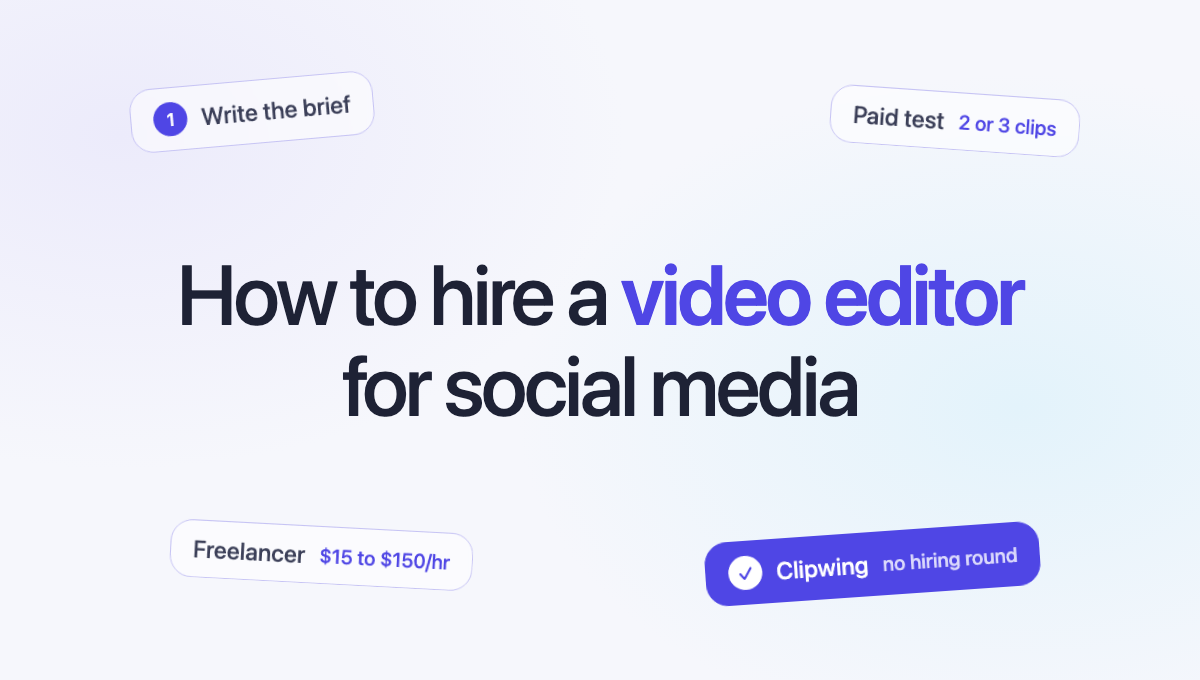
Decide what you need before you look: how many videos a month, which formats, and whether the editor has to find the moments or only cut them. For a few videos a month, hire a freelancer at $15 to $150 an hour. For daily posting, a full-time editor costs around $71,000 a year in the US, and an editing service $400 to $1,600 a month. Whoever you pick, pay for one test video before you commit.
Step 1: Write down what you need
Most bad hires start with a vague job post. Before you talk to anyone, answer 5 questions:
- How many videos a month? 8 clips and 60 clips are different jobs, with different people.
- Which formats? Vertical clips for TikTok, Reels and Shorts, square posts for LinkedIn, or full YouTube videos.
- What's the source? Footage you film for social, or long recordings like podcasts, webinars and demos that need to be cut down.
- Who picks the moments? Cutting a moment you've marked takes minutes. Watching an hour-long episode to find the 5 moments worth posting takes much longer, and it's the part that decides whether a clip gets watched.
- What does done look like? Captions, brand fonts and colors, B-roll, music, a hook in the first seconds. Put it in writing.
Step 2: Pick the kind of hire
There are 3 ways to get social video edited. Prices below were checked on November 18, 2026.
| Option | Cost | Best when | Watch out for |
|---|---|---|---|
| Freelancer | $15 to $150 an hour on Upwork | A few videos a month, one style | You manage them, and finding the right one takes weeks |
| Full-time editor | $70,980 a year, the US median | Daily posting and a lot of footage | Salary, software and hiring time, before the first video |
| Editing service | $400 to $1,600 a month | Steady volume without managing anyone | Check what one request means and who picks the moments |
A freelancer is the cheapest way to start. Upwork's video editor cost guide lists entry-level editors at $15 to $30 an hour, intermediate at $30 to $60 and experts at $60 to $150 or more. Upwork and Fiverr add their own fees on top.
A full-time editor makes sense when you post every day. The US Bureau of Labor Statistics puts the median pay for film and video editors at $70,980 a year as of May 2024. Add taxes, benefits and software on top.
An editing service gives you a team on a monthly plan. Published prices for short-form start around $400 a month for 12 clips at Open Loop and go to $1,599 at EditCrew for 15 hours of an editor's week. We compared them in How Much Does a Short-Form Video Editor Cost.
Step 3: Find candidates
- Marketplaces. Upwork, Fiverr and Contra let you post a job and get proposals the same day. Expect a lot of them, and most won't fit.
- Creator job boards. YT Jobs is a job board for editors who work with YouTubers and creators.
- Portfolios. Behance has editor portfolios you can filter by style.
- Referrals. Ask creators in your niche who edits for them. The best editors are often booked, but they know someone.
We list each place with its fees in Where to Hire a Video Editor for Shorts.
Step 4: Screen the portfolio
Look for these, in this order:
- Your format. An editor with great YouTube videos may not know how to hold attention in 30 seconds. Ask for vertical clips.
- The first 3 seconds. Does each clip start with something that makes you stay? That's the hardest skill to teach.
- Captions. Are they easy to read on a phone, in the safe area, without typos?
- Real results. Ask for links to posted clips, not files. Views and comments tell you more than a showreel.
Step 5: Run a paid test
Send 2 or 3 finalists the same 10 to 20 minutes of footage and pay each for 2 or 3 clips. Give the same brief to all of them.
Then compare:
- Which clips would you post without changes?
- Who asked good questions before starting?
- Who delivered on time?
- How did they handle your feedback on the first draft?
A paid test costs less than a month with the wrong person.
Step 6: Write the brief once
A one-page brief saves hours of back-and-forth. Include:
- Who you're talking to and what they care about.
- Your brand kit: fonts, colors, logo, caption style.
- 2 or 3 example clips you like, with what you like in each.
- Lengths and formats for each platform.
- What to avoid: topics, words, music, styles.
- How feedback works: where you leave comments and how many rounds are included.
Step 7: Set up how you'll review
Feedback by email turns into long threads. Use a tool where you can comment on the exact second, approve a clip and see what's waiting. Agree on a turnaround for each draft and each round of changes before the first video.
If you'd rather not hire at all
Clipwing works like an editing team on a plan. You send long videos, like podcasts, webinars, interviews and demos. AI flags the interesting parts, a content manager picks the moments and an editor cuts each clip, adds captions and applies your brand kit.
- Price: $799.99 a month, with no cap on how many videos you send.
- Turnaround: 3 days.
- In the app: comment on the exact second, approve each clip and schedule it to your socials.
There's no job post, no portfolio review and no test round to run.
Skip the hiring round
Your first video in the app is free. Send one recording and compare the clips with what a freelancer test would give you.