
Turn a screen recording into a product demo
Backgrounds, zooms that follow the cursor and a smooth cursor, in minutes. It all happens in your browser, so nothing gets uploaded
Drop your screen recording here
or click to choose a file. MP4, MOV or WebM, up to 2 GB
Your video isn’t uploaded
Your browser does all the work, so unreleased products stay private
Zooms that follow the cursor
It finds the cursor and the clicks, then suggests where to zoom in
Free, no sign-up
No account and no watermark. Export MP4 up to 4K, or a GIF
How it works
- 1
Drop in a screen recording
Or record your screen right here. It opens at once, because it isn’t uploaded, and the tool starts finding the cursor and the clicks
- 2
Pick the look
A gradient, a colour or your own image behind it, a macOS or browser window around it, and the shape: 16:9, 9:16, square or 4:5
- 3
Fine-tune the zooms
Zooms come from your clicks, pauses are cut and slow parts sped up. Drag anything on the timeline, then add a voiceover and your camera
- 4
Export and share
Download an MP4 up to 4K at 60 frames a second, or a GIF. No watermark
Free online demo video maker for screen recordings
Questions people ask


Clipwing Autopilot
Get your clips cut by a real editor
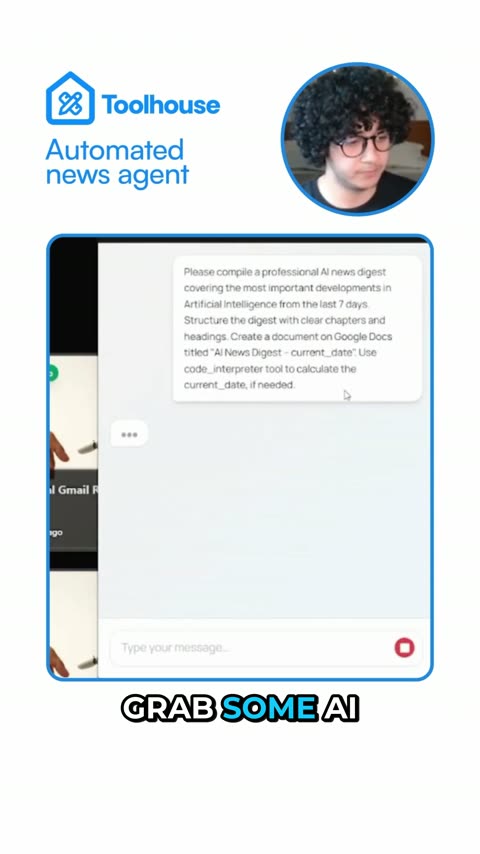
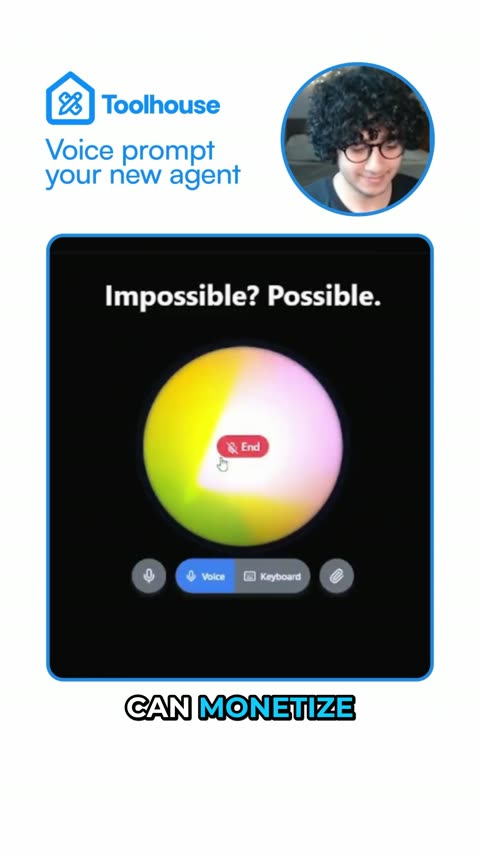
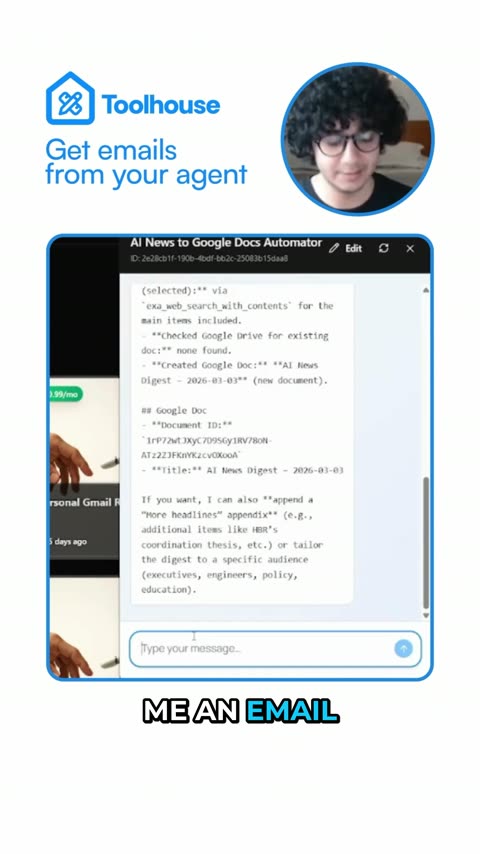
Send a video link. A real person, using AI tools, cuts, captions and reframes it. Drafts back in 3 days, unlimited requests
Get your sample video today