
Claude skills that save
hours of video work
Free workflows from the Clipwing team. Add a skill to Claude, ask for the job and get back to creating
All skills
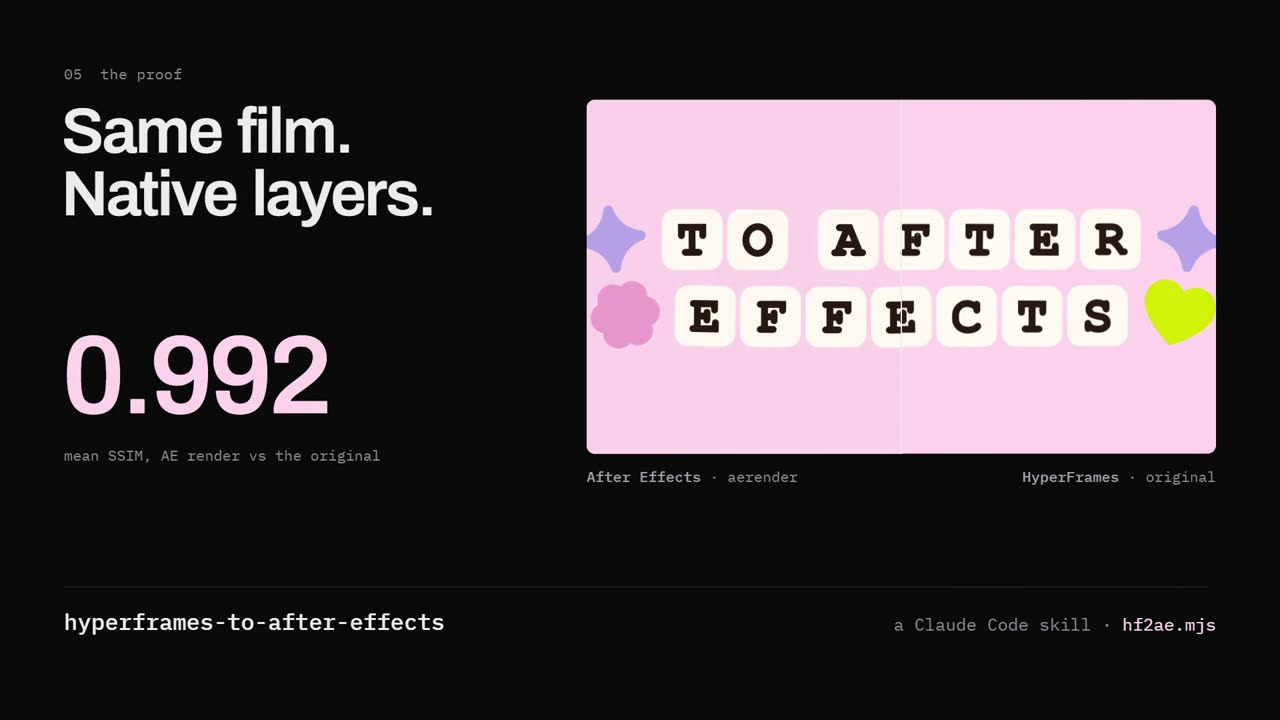
HyperFrames to After Effects
Take your HyperFrames animation into After Effects. Keep editable text, layers and keyframes
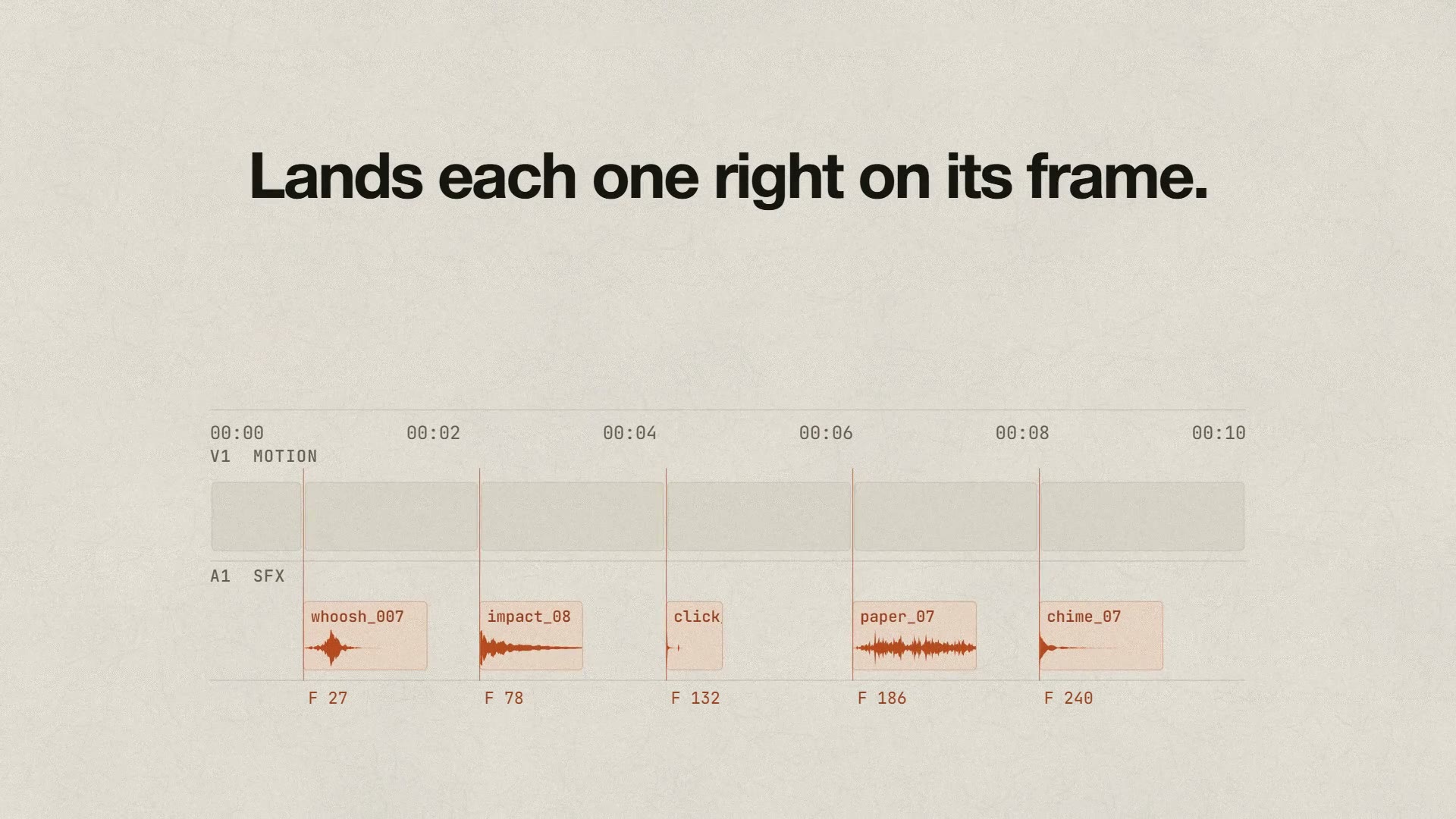
Real SFX
Add real sound effects to your motion videos. Claude picks recordings from your library and puts each one on the frame
What is a Claude skill?
A skill is a set of instructions that teaches Claude how to do a specific task. Install it once, then just ask Claude what you need
How it works
- 1
Choose a skill
Find a skill that helps with the task you want to automate
- 2
Install it
Add the skill to Claude Code or the Claude app
- 3
Start using it
Tell Claude what you want to do. It uses the skill to get the job done
Questions people ask


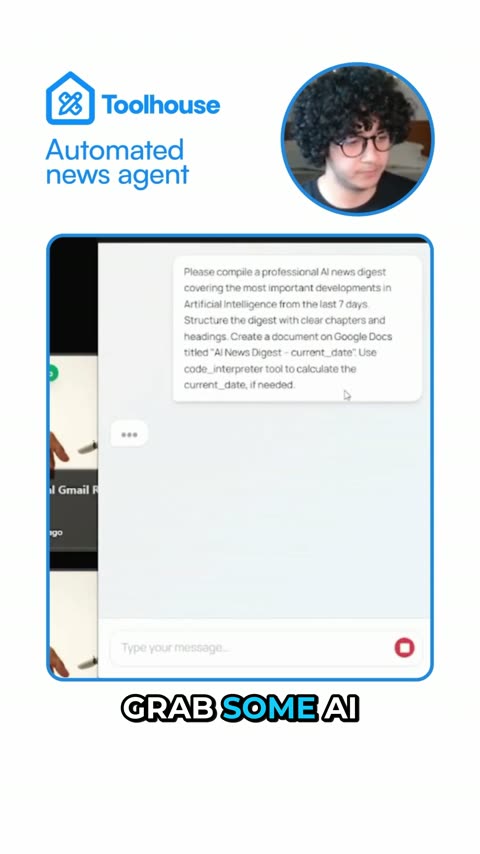
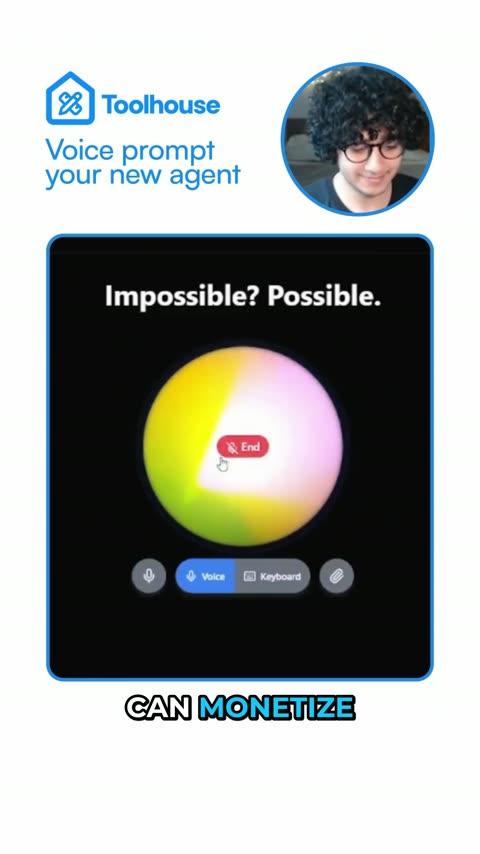
Clipwing Autopilot
Get your clips cut by a real editor
Send a video link. A real person, using AI tools, cuts, captions and reframes it. Drafts back in 3 days, unlimited requests
Get your sample video today