
Record your webcam or screen in your browser
Record your camera, your screen, or both at once, pause when you need to, and download the video when you’re done. Nothing gets uploaded
Record your webcam or screen
Your browser will ask to use your camera and microphone. Once it’s on, switch to Screen to share your screen too
Nothing gets uploaded
Your video, and your screen, are recorded and saved by your browser, right on your computer
Pause any time
Pause and pick up where you left off. The pauses are left out of your video
Free, no sign-up
No account and no watermark. Download an MP4 or WebM, up to 10 minutes long
How it works
- 1
Pick camera or screen
Turn on your camera and allow the mic. For your screen, switch to Screen and drag the camera bubble where you want it
- 2
Hit record
Recording starts after a 3-second countdown. Pause whenever you like, and the pauses are left out
- 3
Watch it and download
Play it back, then download it or open it in the gap remover, subtitles generator or clip cutter
Free online webcam and screen recorder
Questions people ask


Clipwing Autopilot
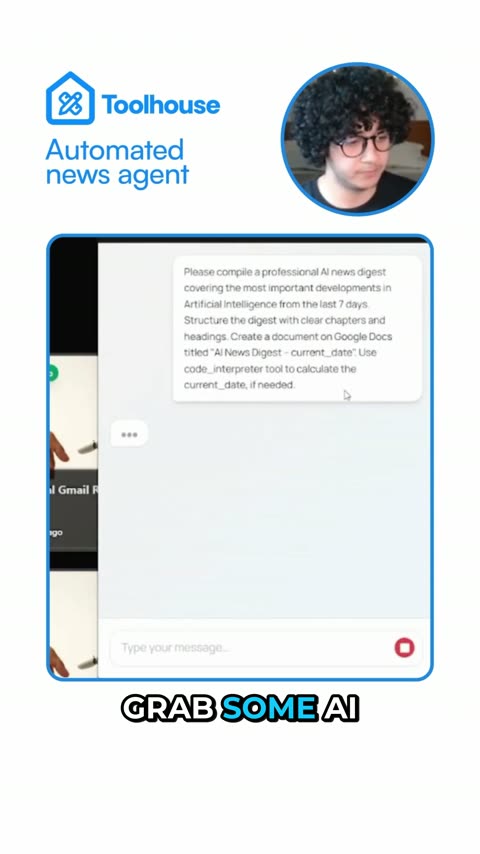
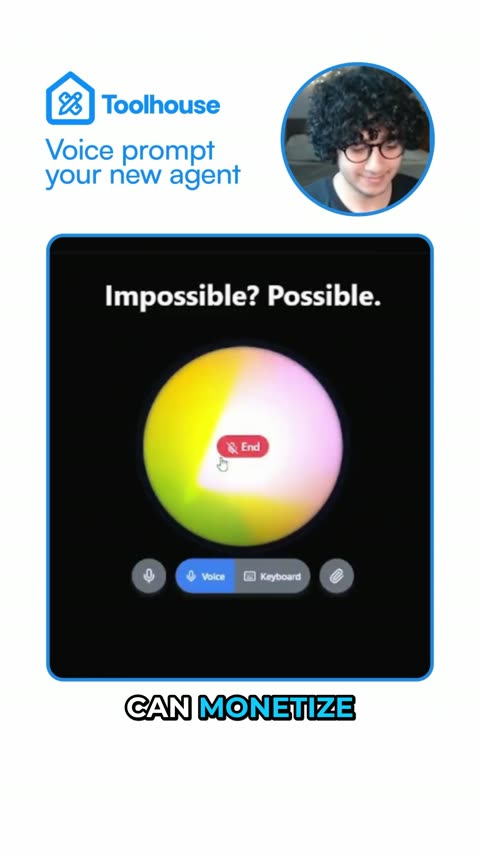
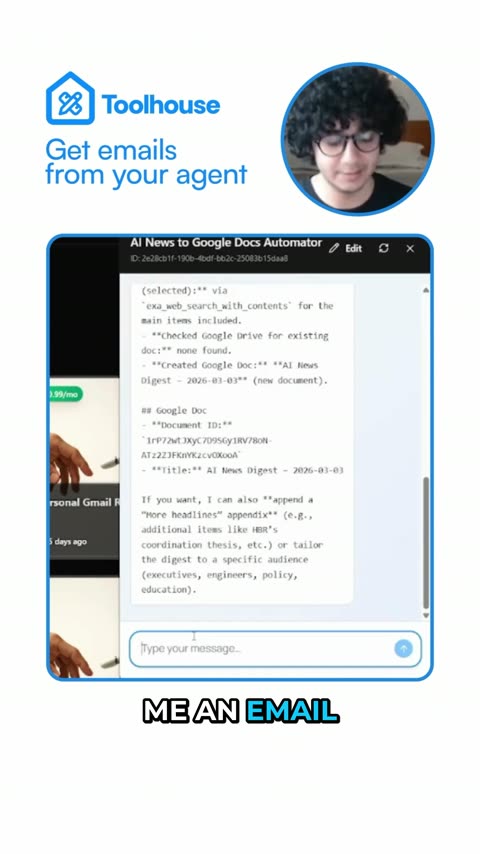
Get your clips cut by a real editor
Send a video link. A real person, using AI tools, cuts, captions and reframes it. Drafts back in 3 days, unlimited requests
Get your sample video today