OpusClip vs Clipwing: AI clipper or a real editor?
 Uliana Glagoleva
Real editors, not an AI clipper
OpusClip gives you AI clip candidates to review and fix. Clipwing gives you finished, ready-to-post clips from a real editor in 3 days.
Clipwing vs OpusClip at a glance
| Clipwing | OpusClip | |
|---|---|---|
| Who picks the moments | AI, then a content manager | AI, then you |
| Who edits | A real editor | You |
| What you get back | Finished clips, captioned and on-brand | Candidate clips to review and edit |
| Your part | Send a video, approve clips | Review, edit, post |
| Changes | Unlimited revisions | You make them yourself |
| Price | $499.99/month (Autopilot) | From $15/month, plus your time |
| Try it | $24.99 test video | Free plan |
AI clipper vs a real editor
AI Clippers Slopers
- Picks random moments
- Misses the key idea
- Makes generic edits
- You still have to fix everything
Clipwing
- A content manager picks the moments
- Every clip built around one idea
- Edited by a real editor, in your style
- You just review and approve
How Clipwing works
You send a video, our team does the editing, and everything on your side happens in one place.
Behind the scenes: AI flags the interesting parts of your video → a content manager picks the moments worth clipping and makes a script for each one → an editor cuts the clips, adds captions and applies your brand kit. Ready in 3 days.
Send a video, get finished clips
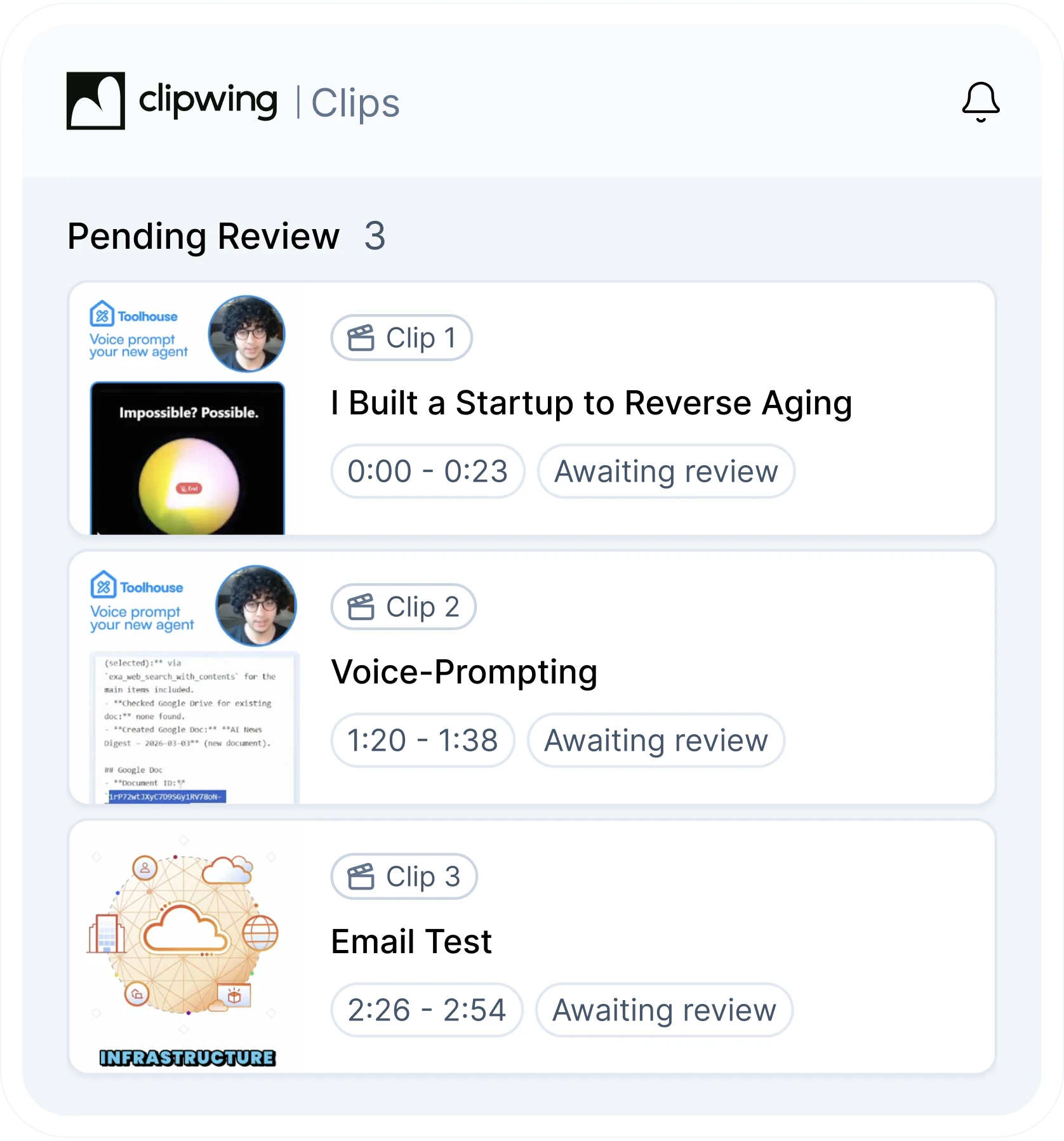
Send a link or a file, whatever is easiest. In 3 days, finished clips show up in your Clipwing workspace, each with its own title, the timecodes it was cut from and a status.
You can see at a glance which clips are waiting for your review and which are done, without digging through folders or chat threads.
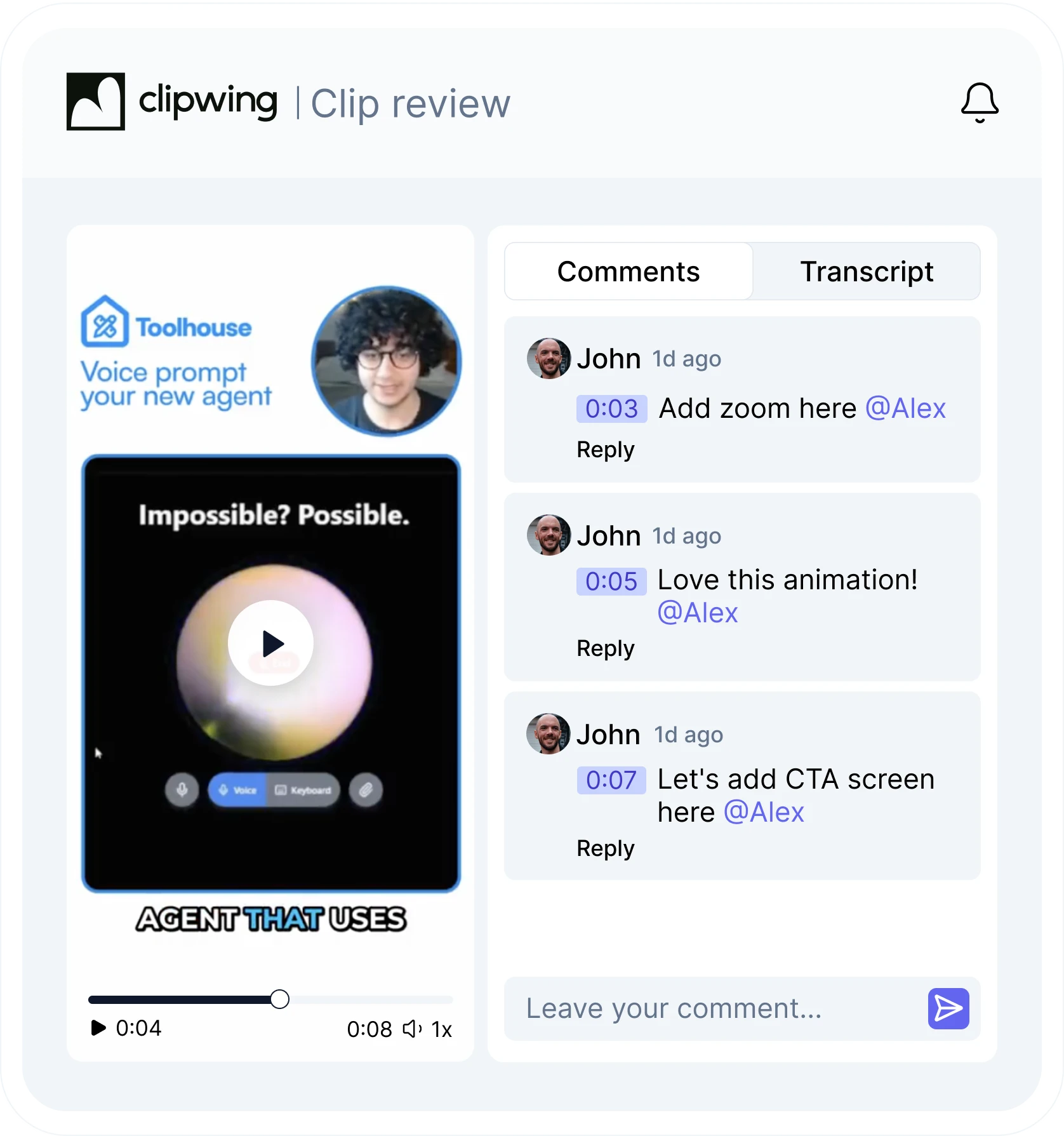
Give feedback right on the clip
Watch the clip and leave comments pinned to the exact second. Tag a teammate, or check the transcript in the next tab.
Your editor makes the changes and sends the clip back. There's no limit on revisions, and you approve when it's right.
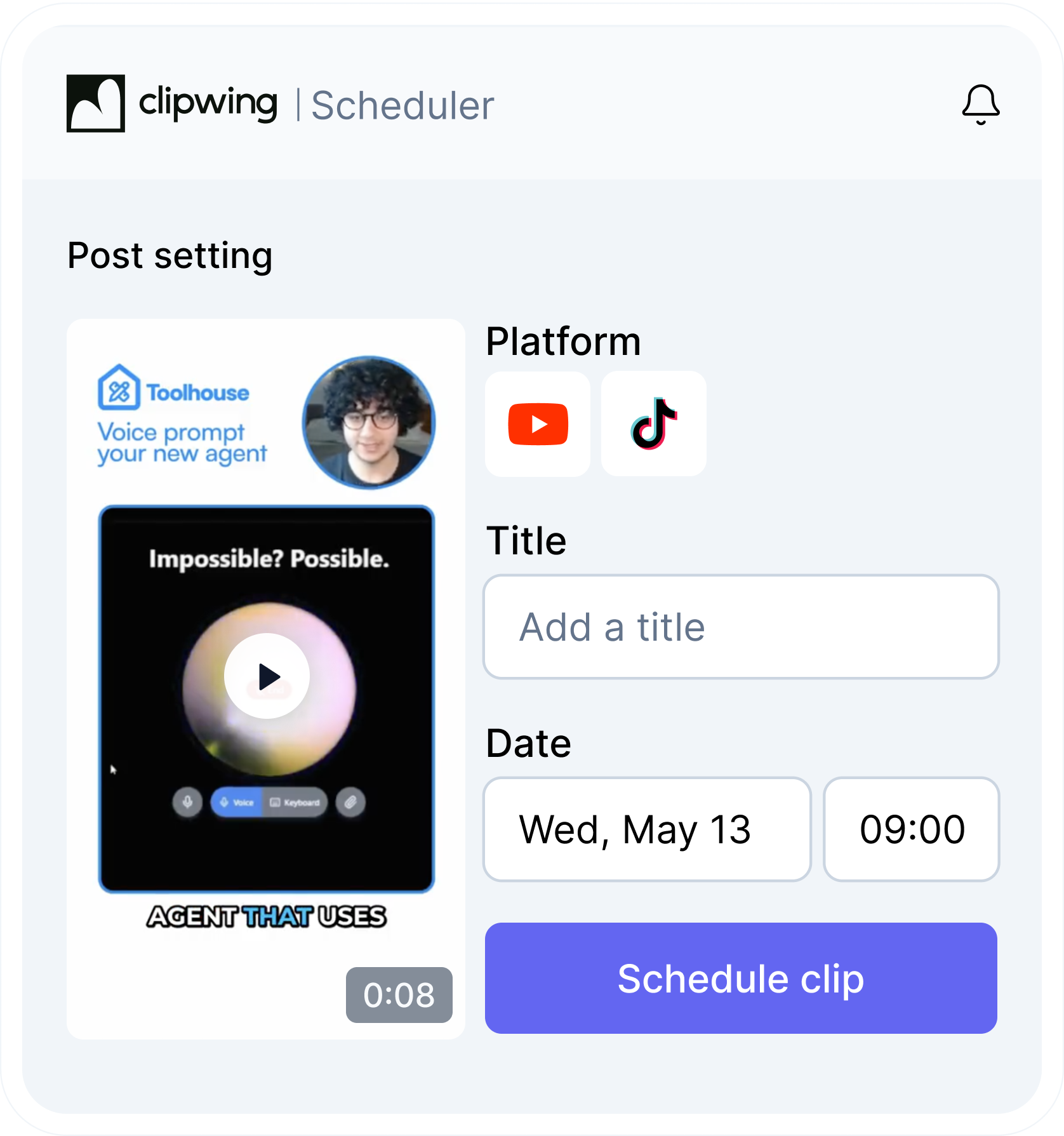
Schedule without leaving Clipwing
Once a clip is approved, choose the social network, add a title, pick the date and time, and hit Schedule clip. No downloading files and re-uploading them somewhere else.
What every clip is built to have
A hook
Opens with a reason to keep watching, not halfway through a thought.
One clear idea
Built around a single point, not just a slice of the video.
A complete thought
Makes sense on its own, without what came before.
Value in every second
Repetition and tangents cut. Only what moves the story stays.
Visuals and pacing
B-roll that matches the point, and cuts that hold attention.
Your style
Your brand kit and the way your show looks and sounds.
What it really costs
OpusClip Pro is $29 a month (checked October 2026), plus the hours you spend reviewing, trimming, fixing captions and scheduling. At 1.5 hours per weekly episode, that's about 6.5 hours a month:
| Your hour is worth | OpusClip Pro + your time | Clipwing Autopilot |
|---|---|---|
| $50 | $354 | $499.99 |
| $75 | $516.50 | $499.99 |
| $100 | $679 | $499.99 |
| $150 | $1,004 | $499.99 |
Is your hour worth more than about $72? Then Clipwing costs less than doing it yourself, and those hours go back into your calendar.
Plans
Autopilot
A real editor on every video you send
$999.99$499.99/month
1 slot available
- Unlimited requests
- Vertical clips with captions, ready in 3 days
- Review, comment, and approve in the app
- Post to your socials from the app
- Your brand kit on every clip
Studio
Higher volume and full-service production for teams
Starting at$2,999.99/month
- Everything in Autopilot, +
- Full-length episodes (video+audio)
- YouTube thumbnail design
- Custom fonts, captions and branding
- Chat with team via Slack
Try it on one episode
Send us one recording as a test video and get a finished clip back. Put it next to what your AI clipper gave you, and see which one you'd post.