Text to Video AI Without the "AI Slop" Look
 Lera Kuntsevich
The short answer
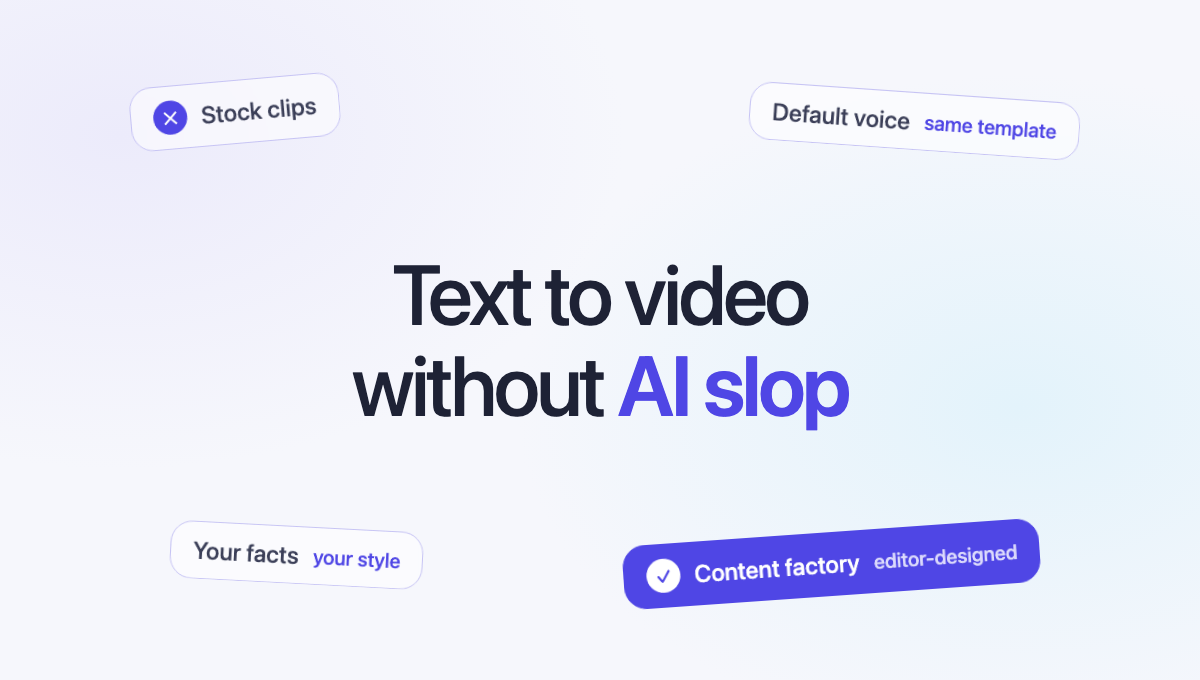
AI video looks like slop when it's generic: a vague script, stock clips matched to each sentence, a default voice and the same template as everyone else. Fix the script first: one clear point, your own numbers and names, the answer up front. Then give it a style of its own, in your brand, with real logos and product UI instead of stock footage. YouTube's rules target mass-produced, repetitive videos, not AI as such.
What people mean by "AI slop"
"AI slop" is the name viewers gave to videos that feel made by a machine for no one in particular. You can spot them in a second:
- A script that says nothing. "In today's fast-paced world, content is more important than ever."
- Stock clips matched word by word. The voice says "growth" and a plant sprouts. It says "team" and people high-five in an office.
- The default voice that a thousand other channels use.
- The same template as every other video from the same tool.
- Made-up details: wrong numbers, invented features, logos that don't exist.
None of these come from using AI. They come from leaving every choice to the tool's defaults.
What YouTube says about it
YouTube doesn't ban AI video. It limits money for videos that are mass-produced or repetitive.
- Inauthentic content. In July 2025, YouTube renamed its "repetitious content" rule for the Partner Program to "inauthentic content." It covers videos that are mass-produced or highly repetitive, like the same template with small changes or generic narration over reused footage. Such videos can't earn money from ads.
- Using AI is allowed. Using AI to help write, design or edit doesn't break the rule. Putting out near-identical videos with little original input does.
- Realistic AI needs a label. YouTube asks creators to disclose altered or synthetic content when it looks realistic, like a real person saying something they didn't say. Clearly stylized animation doesn't need the label.
For a brand, the takeaway is simple: every video should carry an idea of its own, in a look of its own.
7 ways to make AI video that doesn't look like slop
1. Start from something you actually wrote
A blog post, a thread, a changelog or a case study already has a point of view, real examples and numbers. A one-line prompt doesn't. The best AI videos start from writing that was worth reading.
2. Put the answer first
Say the main point in the first 3 seconds. Generic videos warm up with "Have you ever wondered…". Good ones open with the answer and spend the rest proving it.
3. Keep your own facts
Your numbers, product names, customer names and terms. They're what makes the video yours, and what a generic tool tends to smooth away. Check every number on screen against the source.
4. Use real visuals, not stock clips
- Your product's UI for anything about features.
- Real logos when you compare tools or name companies, never generated ones.
- Text and charts for numbers and lists.
- Drawn or animated scenes in one consistent style, instead of random clips.
5. Pick one style and keep it
A channel where every video looks the same, in your colors and fonts, is recognizable. A channel where every video uses a different template looks like a content farm.
6. Use your own voice
Record it, or clone it. An AI clone of your own voice keeps the speed of AI while sounding like a person people can follow.
7. Have a person check it
Watch every video before it goes out. Is every fact right? Would you post it if a human editor had made it? If not, fix it or don't post it.
How Content factory avoids the slop look
Content factory turns what your team writes into videos, and it was built around the points above.
- Styles designed by people. Each of the 10 styles was designed by one of our editors, who used AI as a tool and tuned it by hand until it looked like their own work. Collage, Editorial, Keynote, Pixel world, Retro cartoon, Isometric, Sketch world and 3 vertical styles.
- Scripts that keep your facts. The answer up front, the post's own points, numbers and terms, real logos when the post names products, and the takeaway at the end.
- Your brand on every video: logo, colors, fonts and an AI clone of your voice.
- A person in the loop if you want one. On the App + team plan, an editor checks every video before it goes out and fixes anything you comment on.
Creator is $19 a month for up to 20 videos, and Pro is $49 for up to 60. Your video plan and first video are free.
See your post in a style an editor designed
Paste a link to a blog post, thread or changelog and get a video plan and your first video free.