
A catchy YouTube description in 30 seconds
Paste a YouTube link or upload your video and get a hook, a short description and hashtags, ready to copy
Paste a YouTube link or drop your video
We listen to it and write a catchy description with hashtags
MP4, MOV or WebM, up to 2 hours. The video stays on your device.
A hook that gets the click
The line YouTube shows before “…more”, then a short description and hashtags, all from what the video says
Before you publish
Add the video file itself, up to 2 hours long. It stays on your device: only its sound is sent, to be transcribed
Free, no sign-up
No account needed. Works for English videos: public YouTube links up to 4 hours, or files up to 2 hours
How it works
- 1
Paste a link or drop your video
Paste a public YouTube link, or drop in a video you haven’t posted yet. Only its sound is sent, the video stays on your device
- 2
Get the description
We listen to the video and write a catchy hook, a short description and three to five hashtags
- 3
Copy it into YouTube
One click copies the whole description as plain text. Paste it into the description box in YouTube Studio
Free YouTube description generator
Questions people ask


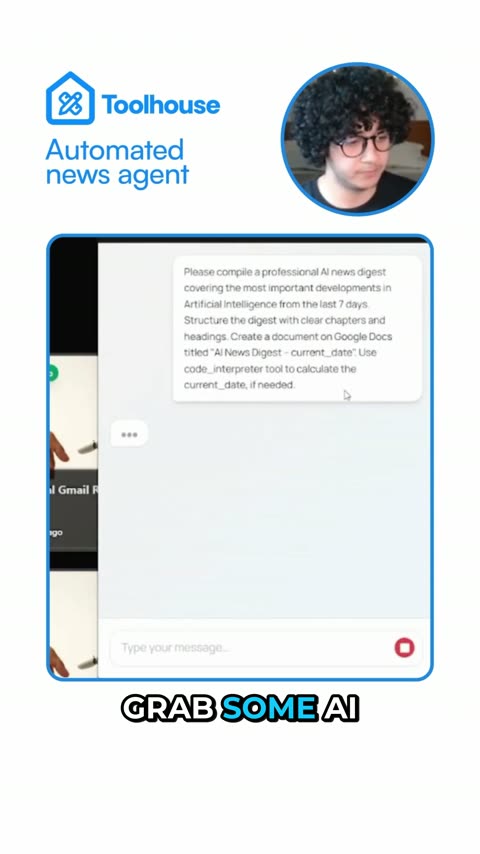
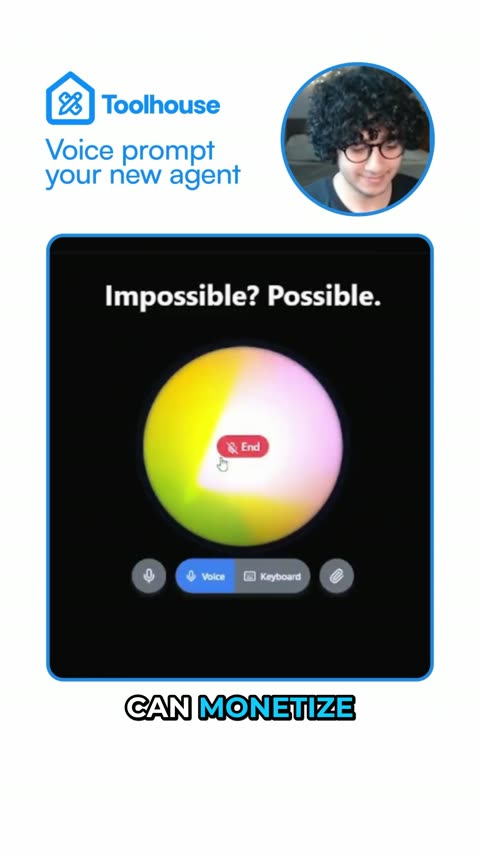
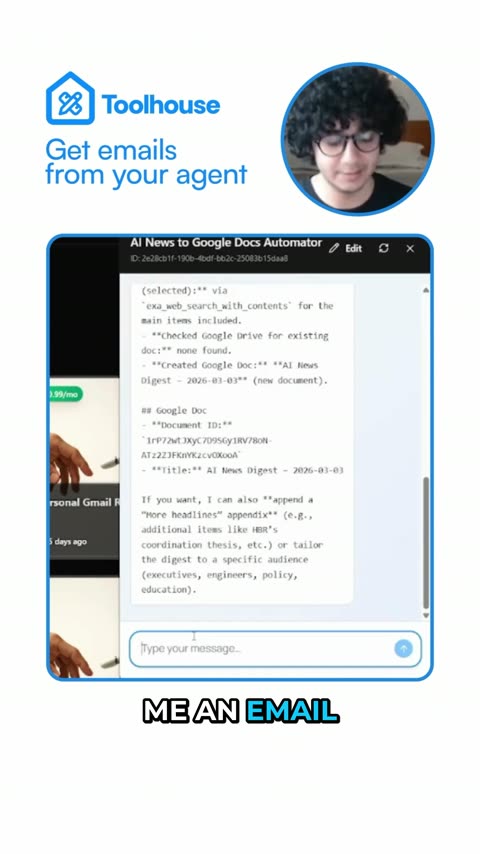
Clipwing Autopilot
Get your clips cut by a real editor
Send a video link. A real person, using AI tools, cuts, captions and reframes it. Drafts back in 3 days, unlimited requests
Get your sample video today