Download any YouTube thumbnail in every size
Paste a link to a video, a Short or a live stream and save its thumbnail as a JPG in any size, up to HD
Every size, up to HD
From 1280×720 down to 320×180, plus the vertical cover of a Short
Videos, Shorts and live streams
Paste any YouTube link, from the address bar, the Share button or the app
Free, no sign-up
No account and no limits. Download as many thumbnails as you need
How it works
- 1
Paste the video link
Copy it from the address bar or the Share button. Videos, Shorts and live streams all work
- 2
Pick a size
You get every size from 1280×720 HD down to 320×180, and the vertical cover when a Short has one
- 3
Download it
Click Download under the size you want. The JPG is saved under the video’s title
Free online YouTube thumbnail downloader
Questions people ask


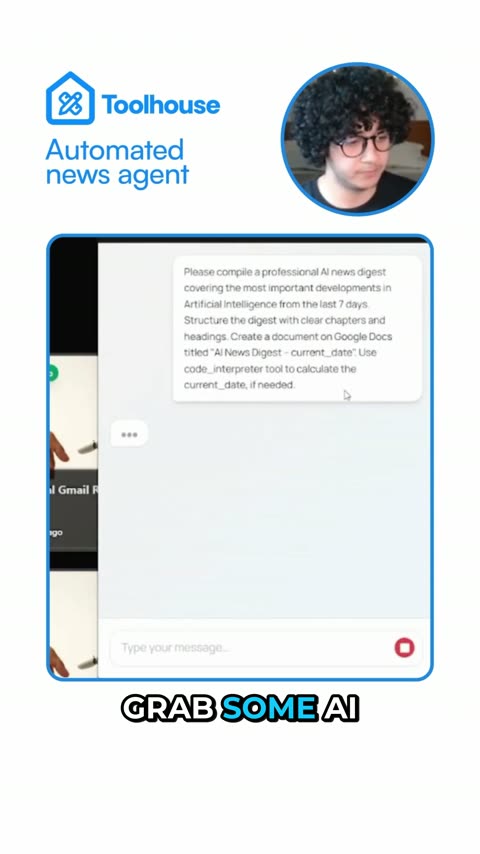
Clipwing Autopilot
Get your clips cut by a real editor
Send a video link. A real person, using AI tools, cuts, captions and reframes it. Drafts back in 3 days, unlimited requests
Get your sample video today