How to Create an AI Voice That Sounds Like You
 Uliana Glagoleva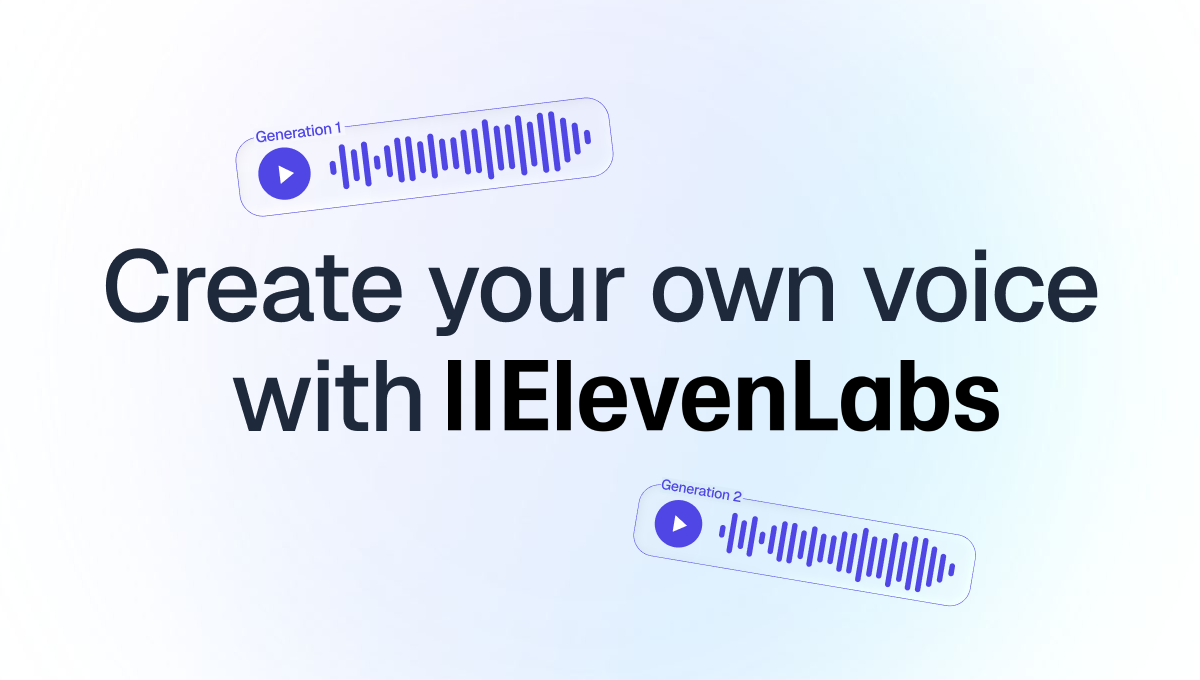
1. Pick instant or professional
An instant clone needs a short sample. ElevenLabs recommends 1–2 minutes of clear audio and says going past 3 minutes adds little and can make the clone worse.
A professional clone needs at least 30 minutes, and ElevenLabs recommends closer to 2+ hours. It's only on the Creator plan or above.
Both live under Voices → Create voice. The app says an instant clone works with as little as 10 seconds of audio, but ElevenLabs' own guide recommends 1–2 minutes for a better result.
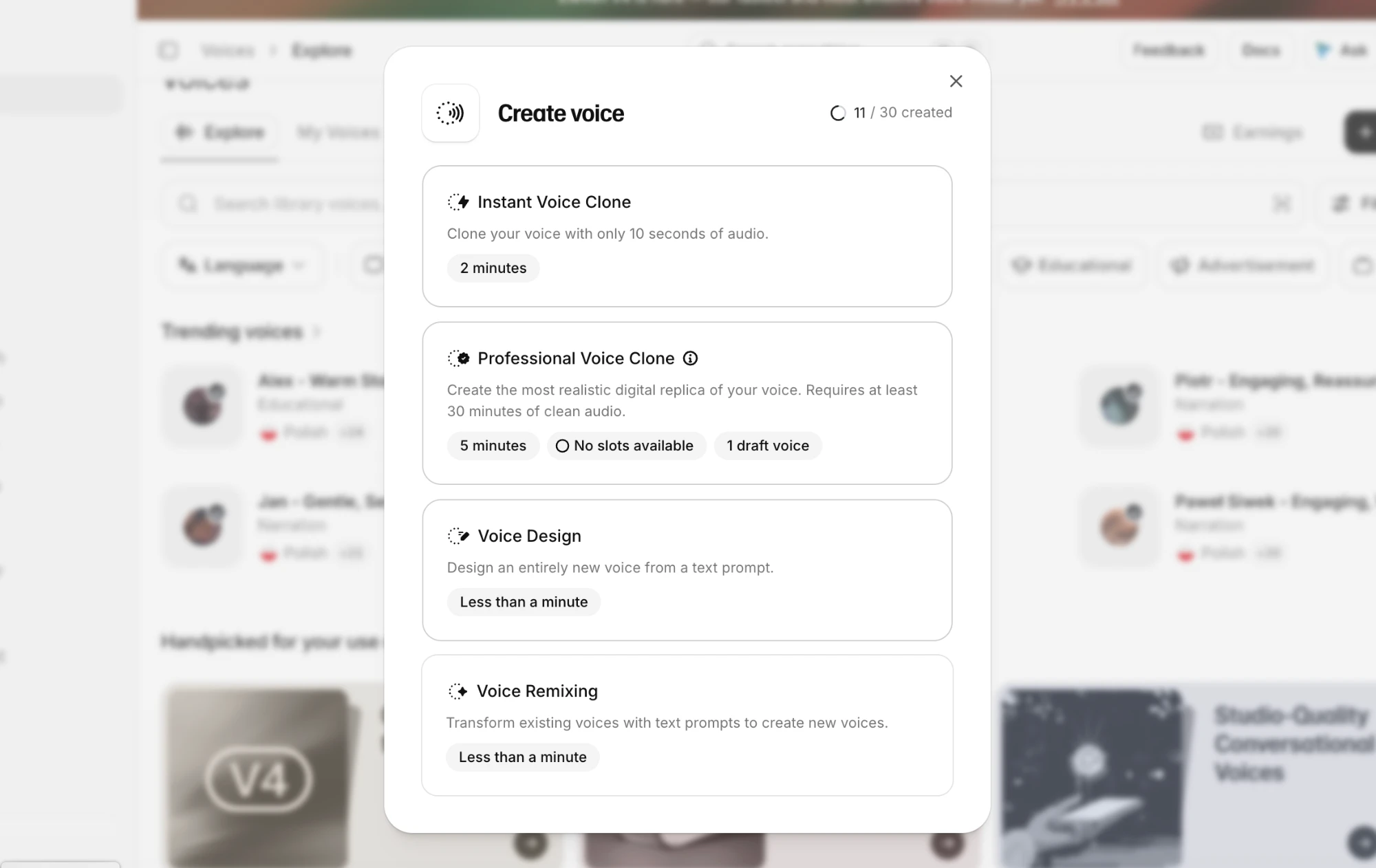
For our tutorial channel, start with an instant clone. Move up to a professional one only if you end up generating whole voiceovers every week.
2. Record a clean sample
Record with the mic you use for your real videos, so patched lines match your actual narration. Then:
- Pick the smallest, softest room you have. A closet full of clothes beats a bare spare room.
- Use a pop filter and stay about two fists from the mic.
- Turn off anything that hums, and keep music and other voices out.
- Aim for −23 to −18 dB RMS on average, with peaks no higher than −3 dB, as ElevenLabs recommends.
- Skip noise reduction and "studio voice" plugins. The clone learns their artifacts as part of your voice.
3. Read a script with some variety
The clone copies your pace, accent and even your breathing, so the delivery you record is the delivery you'll get back. Read in your narration voice, and mix questions, numbers and names into the sample. Here's a script you can copy and adapt:
Welcome back. Today we're fixing one of the most common problems in travel photos: skies that look washed out.
Before we touch anything, open the histogram. See that spike on the right? That's your sky, and it's sitting right at the edge.
So, first step. Pull the highlights down to about minus sixty. Not minus one hundred. Sixty.
Now, does that look better? A little. But the sky still looks grey, and that's where the HSL panel comes in.
In Lightroom, go to Color, then Blue, and drop the luminance. Stop the moment it starts looking fake.
On a budget laptop, I'd export at 2048 pixels on the long edge, quality eighty-five. It loads fast and looks fine on a phone.
That's it for this one. Send me a photo you want fixed, and I'll pick three for next week's episode.
Before uploading, cut long pauses and filler like "um", since the clone mimics those too, but leave normal breaths in. ElevenLabs will ask you to confirm you have the right to clone the voice. Record in the language you'll mostly generate, or the clone may carry an accent.
4. Blind-test it
Everyone sounds strange to themselves, so don't judge the clone alone. Instead:
- Pick three lines from a video you've already recorded.
- Generate the same three lines with your clone, and match the loudness of all six clips.
- Shuffle them and ask a friend which ones are real.
- Listen on headphones and on a phone speaker.
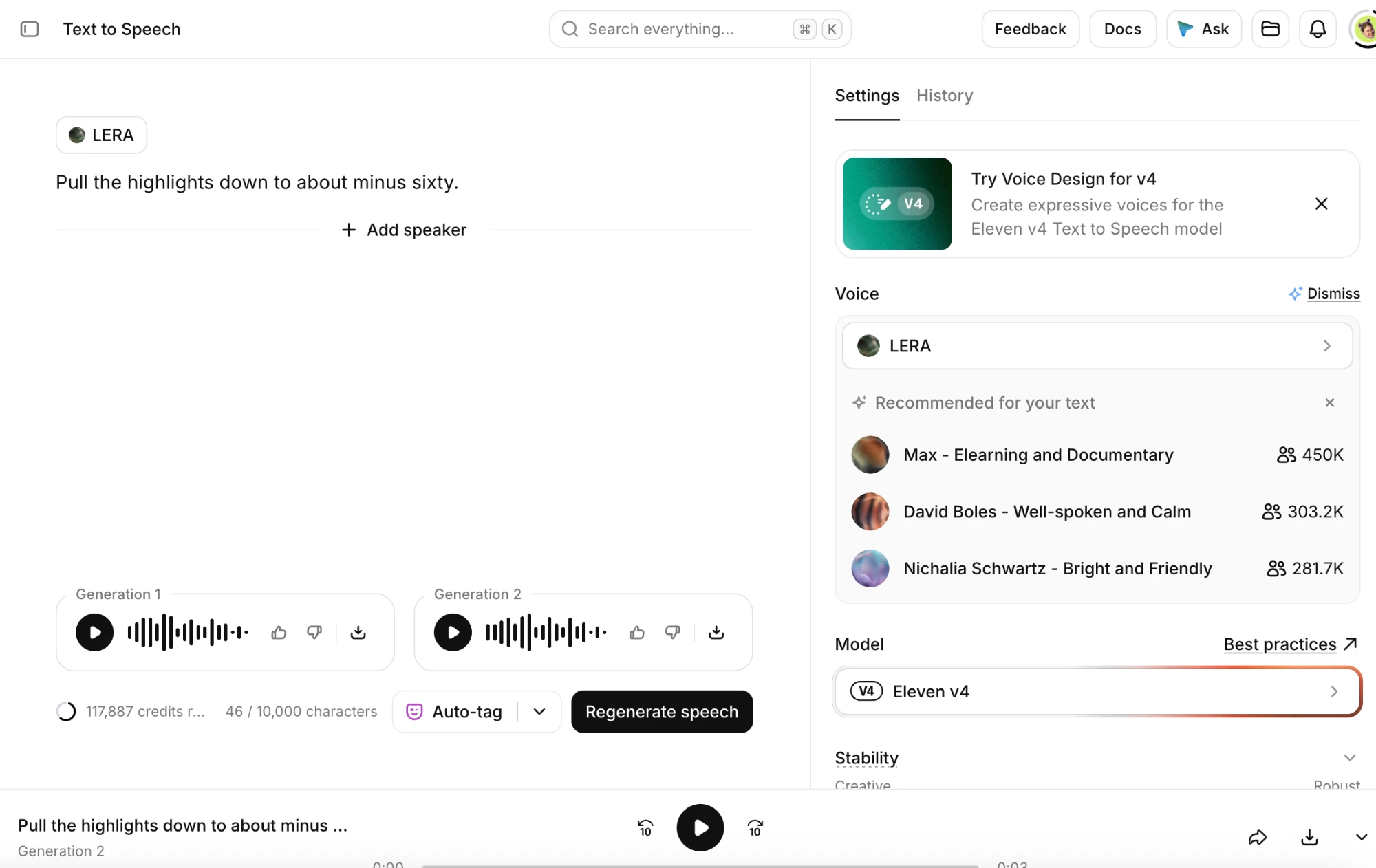
Each generation reads the line a little differently. Here are two versions of "Pull the highlights down to about minus sixty." from the same clone:
Use the one that sounds more like you. If neither does, you can regenerate as many times as needed.
If your friend can still pick the clone, here's what usually gives it away:
| What you hear | Fix |
|---|---|
| Echo or a hollow sound | Re-record the sample somewhere softer |
| Flat delivery | Re-record with your real narration energy |
| Too fast, no pauses | Add commas and full stops to the script |
| Names mispronounced | Spell them the way they sound ("light-room") |
5. Use it in your edits
To patch a flubbed line, generate just the phrase you need, with a few extra words on each side. Cut on a breath or a full stop, lay a second of room tone underneath, and match the EQ of your real voice track. If your face is on screen, cut to B-roll for that moment. In Descript, Regenerate does this right in the transcript, up to 250 characters at a time.
Clips also often need a new opening line. Write the hook, generate it in your voice and lay it over the first second of the clip. Then add captions with any captioning tool, or with Clipwing's free Subtitles generator, which needs no account and adds no watermark. For more on picking clips, see how to get more content from your long-form videos.
6. Disclose correctly and protect your voice
YouTube requires a label for realistic altered or synthetic content, like a real person appearing to say something they didn't. But it lists cloning your own voice for voice-overs or dubs as not needing one. Using the clone to put words in someone else's mouth is a different story.
Treat the clone's account carefully. Turn on two-factor authentication, don't share the login with freelancers (send them audio files instead), and keep your training recordings private.
Once your voice is sorted, the next big time sink is turning each episode into clips. Send Clipwing a YouTube or Loom link, and a real editor picks the best parts, cuts them and adds captions, with clips ready in 3 days. Create a free account, no credit card needed.