
See your thumbnail before you publish
Preview your thumbnail and title on YouTube Home, search and a phone, next to other videos, and check what to fix
Drop your thumbnail here
or click to choose one. A JPG or PNG, ideally 1280×720
Four places at once
Home, search, Up next and the phone app, in light and dark
Nothing is uploaded
Your thumbnail opens in your browser and stays on your computer
Checked for YouTube
Size, shape, file size and where your title gets cut off
How it works
- 1
Drop in your thumbnail
A JPG or PNG, or the link to a video that’s already up. It opens right away, because it isn’t uploaded anywhere
- 2
See it on YouTube
Your thumbnail and title among other videos on Home, in search, in Up next and on a phone. Switch to dark mode, move it around, or add the videos you compete with
- 3
Fix what doesn’t work
The checks tell you if it’s too small, the wrong shape or too heavy to upload, and where your title gets cut off
Free YouTube thumbnail tester and preview tool
Questions people ask


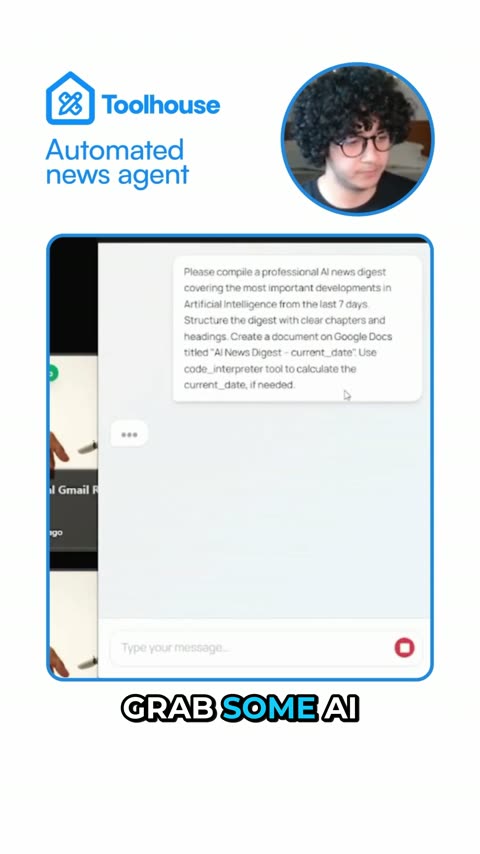
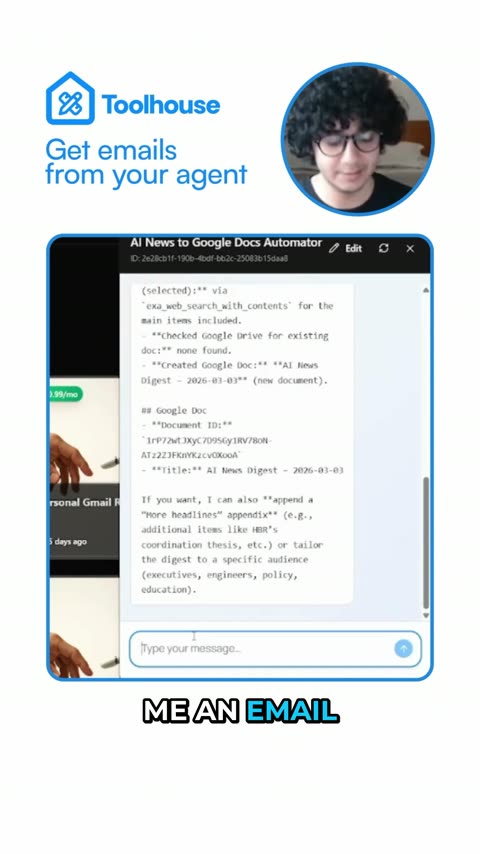
Clipwing Autopilot
Get your clips cut by a real editor
Send a video link. A real person, using AI tools, cuts, captions and reframes it. Drafts back in 3 days, unlimited requests
Get your sample video today